OPTOEDU EQUIPMENT DIRECTORY
Microscopes & Imaging Systems
Find the equipment type that fits your work, then check the model and configuration. OPTOEDU supplies microscope and imaging system listings across confocal, comparison, atomic force, ophthalmic, fluorescence, industrial, and slide imaging categories.
Browse the model pages for published features and specifications. Tell us what you need to observe, how you handle samples, and which imaging components your quotation should include.
CHOOSE AN EQUIPMENT TYPE
Find your equipment range
Explore the complete product directory by equipment type. Each category leads to individual model pages, so you can compare the written configuration before requesting commercial details. Document examination systems sit within the A18 range; live cell imaging is identified separately from slide scanning within its range.
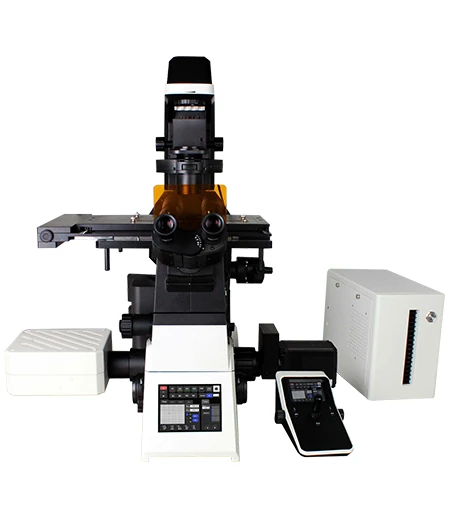
Confocal Microscopes
Explore range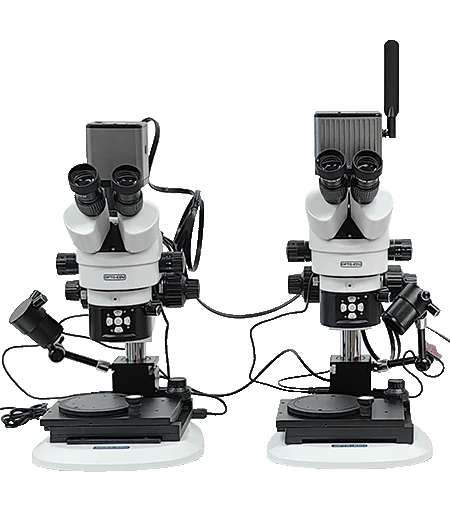
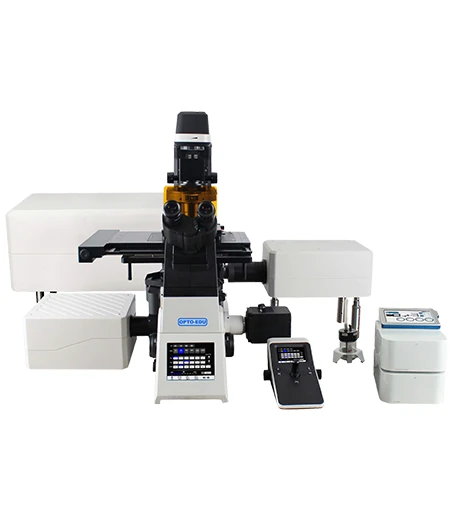
Comparison Microscopes
Explore range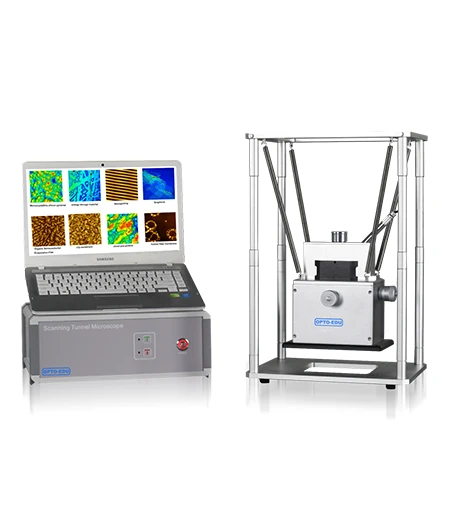
Atomic Force Microscopes
Explore range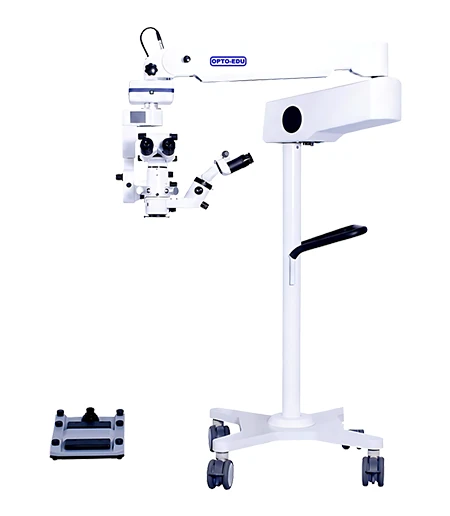
Ophthalmic Operating Microscopes
Explore range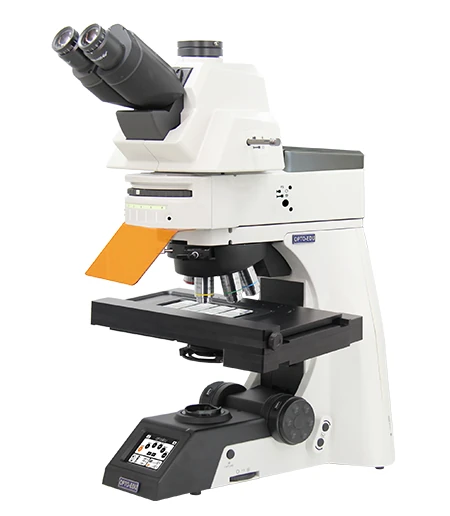
Motorized Fluorescence Microscopes
Explore range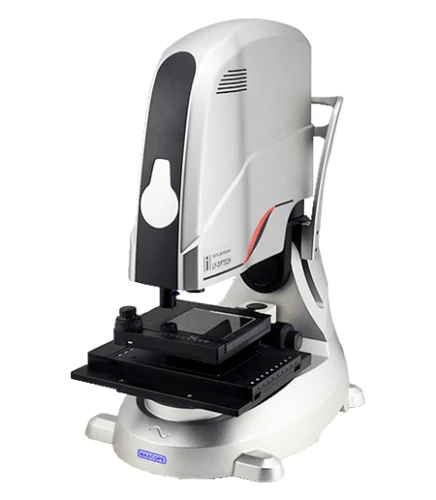
Industrial Microscopes
Explore range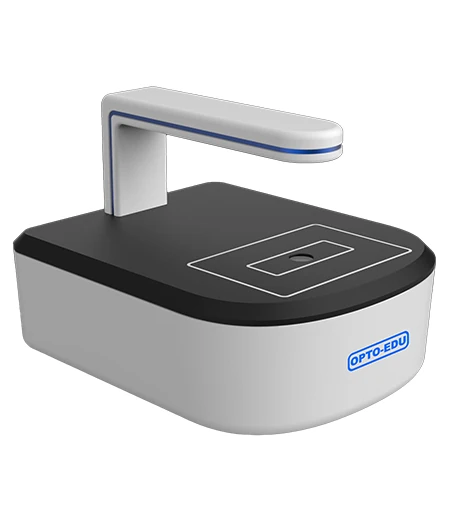
Slide Scanners & Live Cell Imaging
Explore rangeFROM MODEL TO CONFIGURATION
Turn your requirements into a clear quotation
Start with the sample and observation task. A material surface, a prepared slide, a document, and a live cell culture each lead to different questions. Include sample dimensions, access requirements, and the views you need to record.
Next, identify the parts of the system you need. Ask about the microscope body, objectives, illumination, stage controls, camera, display, computer, and software. Check optional components separately from the equipment described as standard for the selected model.
Keep the configuration tied to its model number. A feature shown on one product page should not be assumed on a neighboring model. The full product directory provides a starting point; contact OPTOEDU when you need help narrowing it down.
BEFORE YOU CHOOSE
Before you choose
Can I browse every listed model?
Yes. Open the product directory to search by model or feature and filter by equipment type. Each listing has its own product page, published configuration notes, and an inquiry link.
Do the images show everything included in a quote?
Use images to understand the model layout. Ask for a written component list to confirm the objectives, illumination, sample holders, camera, software, and other items supplied with your configuration.
How can I check price and availability?
Send the model number, quantity, destination, and requirements. Request current commercial terms for that configuration. A product listing does not establish a current price, stock level, or delivery date.
Discuss the configuration you need
Already have a model in mind? Include its number. Still comparing equipment types? Describe your samples and the work you want to do.