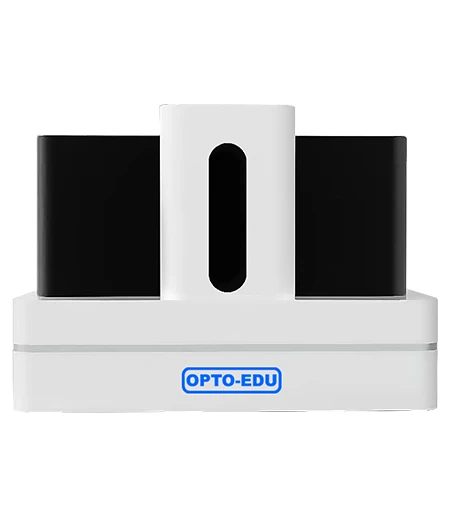
Review the loading and scanning sequence
The source describes a slide holder with a loading and unloading mechanism. Ask how slides enter the scanner, how the operator identifies a batch, and how completed slides are retrieved. Confirm the supported slide dimensions and holder arrangement before planning the instrument's place in your workspace.
An urgent-slide priority function is also described. Include it in a software demonstration if your team needs to add a priority item during routine work. Ask the supplier to show how that item is selected and how the status of the other slides appears to the operator. Establish the procedure you expect to use rather than relying on a brief feature label.
SVS and JPG are the listed image formats. Share the viewer and storage system you intend to use, then request the actual export settings and a representative file. Format support alone does not describe file size, network arrangements, user access, or the behavior of another software package.
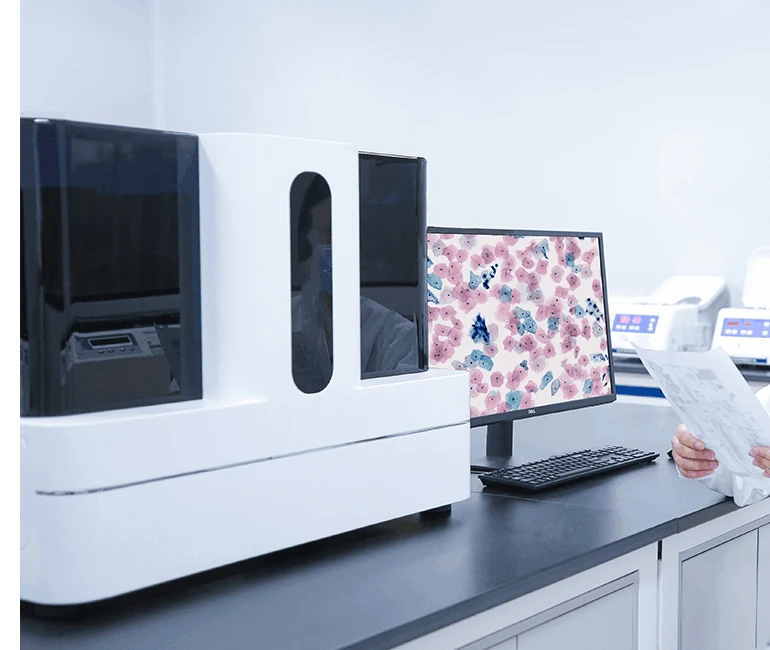
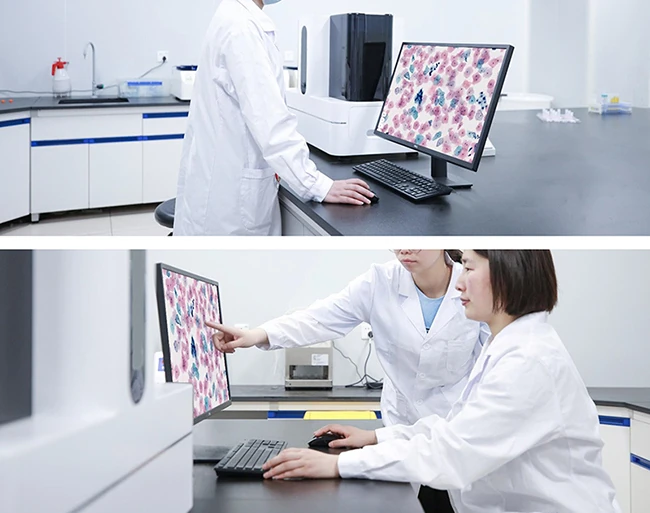

Published M30.5840 specifications
| Item | Published description |
|---|---|
| Scanning method | Whole-slide brightfield scanning |
| Listed capacity | 200 slides |
| Listed objective | 20x APO |
| Optional objective | 40x APO |
| Listed image formats | SVS, JPG |
| Slide handling | Slide holder with loading and unloading mechanism |
| Priority function | Urgent-slide priority described |
Confirm the included objective, accessories, software version, and installation requirements in the quotation. The 40x objective is an option; it should not be assumed to be included in every configuration.
Set the requirements for your installation
Start with the slides themselves. Provide dimensions, preparation details, identification methods, and the number of slides you expect to process together. Ask which checks the operator must make before loading and how the system reports a slide that needs attention. Those practical steps belong in the acceptance discussion.
Then define image handling. State where files will be stored, who will review them, and whether your organization requires particular naming, access, or retention practices. Request a written list of the included scanning, viewing, and export software. Any separate data-system connection should have its own agreed scope.
For installation planning, ask for the scanner's dimensions, power requirements, connection needs, and the access space around the loading area. Discuss a demonstration using representative slides if needed for your evaluation. Request current price, availability, shipping terms, and documentation for the destination and configuration you specify.
Compare the scanner configurations
Browse the microscope slide scanner directory to compare the listed models. Review M30.5820 microscope slide scanner as another configuration. Compare slide handling, optics, and image workflow model by model; the common product category does not establish identical software or accessories.
M30.5840 questions
What capacity and scanning method are listed?
The source identifies a 200-slide capacity and whole-slide brightfield scanning. Confirm the compatible slide dimensions, holders, and loading procedure for the instrument being offered.
Is the 40x objective included?
The published listing identifies 20x APO and marks 40x as optional. Ask OPTOEDU to state the exact objective configuration and any related software settings in the quotation.
What should we check about urgent-slide priority?
Request a demonstration of selecting a priority slide, viewing its status, and returning to the planned batch sequence. Agree on the operator procedure and the included software version before ordering.
Ask about M30.5840
Send your slide, loading, and image-export requirements. Request an M30.5840 configuration quote.
Reference: published M30.5840 product description.