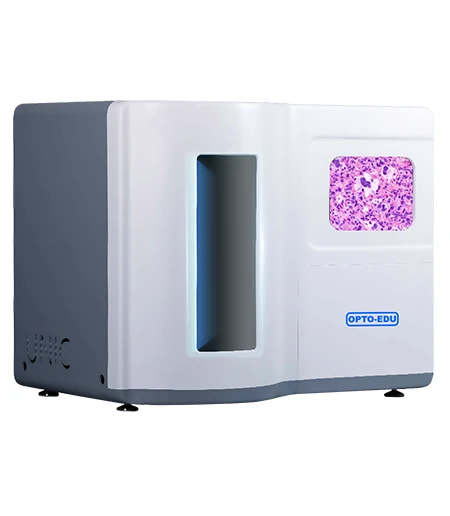
Review the recognition functions
The source describes detection of loading positions without slides and skipping those positions during continuous scanning. Explain how your staff prepare and load a batch, including partially filled holders. Ask how the selected system displays scan status and records skipped or incomplete work so operators can review the batch afterward.
Slide-label recognition is described for symbols, barcodes, and QR codes. Provide representative labels and the information you need to associate with each image. Request the supported label conditions and data-handling arrangement for the quoted software; a general barcode reference does not confirm compatibility with every label or laboratory information system.
The published outline-recognition function identifies tissue areas and skips areas outside them during scanning. A separate machine-vision function is described for monitoring and prompting slide abnormalities. Ask how operators review scan-area selection and respond to an alert. These functions should not be interpreted as a guarantee against broken slides or as verification of a diagnostic result.
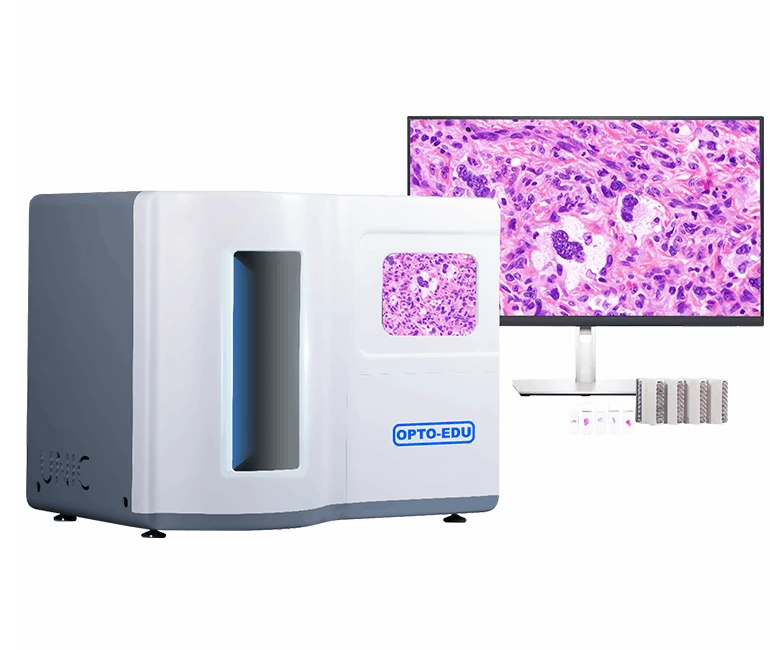
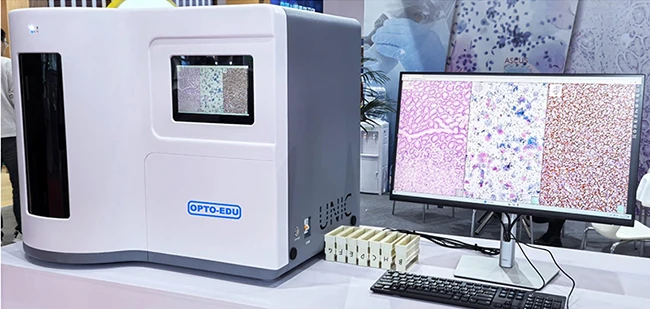
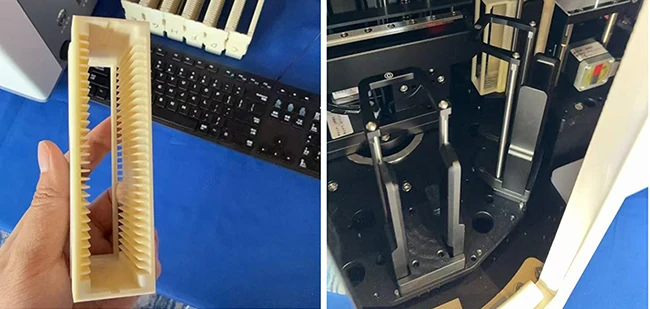
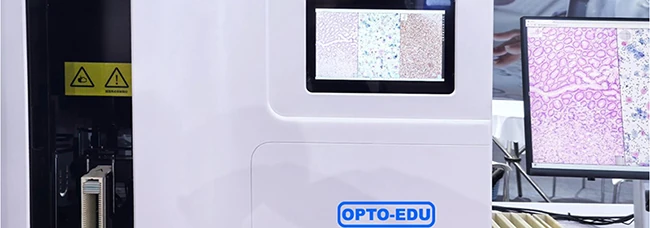
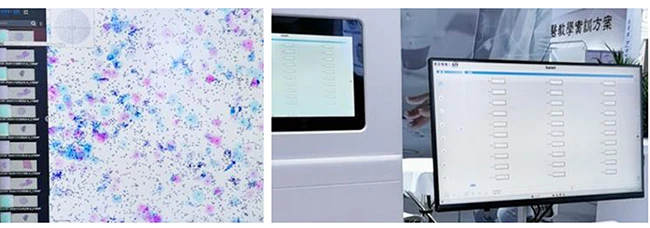
Published M30.5820 workflow fields
| Item | Published description |
|---|---|
| Equipment type | Automatic microscope slide scanner |
| Listed capacity choices | 60, 120, 240, or 480 slides; select configuration |
| Loading recognition | Skips positions without slides during continuous scanning |
| Label recognition | Symbols, barcodes, and QR codes described |
| Scan-area selection | Tissue-outline recognition described |
| Abnormality handling | Machine-vision monitoring and prompts described |
Request the selected capacity, holder arrangement, optics, camera, image formats, and software version. Those fields require a configuration-specific proposal beyond the public workflow summary.
Prepare the batch-scanning requirements
Describe the slide dimensions and preparation, typical batch size, and the way slides are identified before loading. Include examples of label placement and the identifiers that must remain linked to the images. Ask how exceptions will be shown to the operator and what records can be retained for review.
Define the images you need and the systems that will store or display them. Request output formats, file-management requirements, network arrangements, and any proposed integration work in writing. Keep third-party software compatibility separate from a scanner's recognition functions until the complete setup has been reviewed.
For procurement, specify the capacity choice, quantity, destination, and required acceptance documentation. Ask for the current equipment list, price, availability, and shipping terms. Do not use another M30 model's optical specification or scanning time to fill a field missing from this listing.
Compare the capacity and handling arrangement
Browse the microscope slide scanner directory to review each model. The M30.5840 scanner is separately listed with a 200-slide capacity. Compare its own optical and loading descriptions with the selected M30.5820 configuration, keeping capacity and software scope explicit.
M30.5820 questions
Are all four listed capacities included?
No. The catalogue lists 60, 120, 240, and 480-slide configurations. Name the capacity you need and ask OPTOEDU to identify the proposed version, holders, and loading arrangement in the quotation.
Does label recognition confirm compatibility with our data system?
The source describes recognition of label information. Provide your label samples, identifiers, and data-system requirements so the output and connection scope can be reviewed. Recognition and system integration are separate items to specify.
What should operators confirm about scan-area recognition?
Ask how selected areas are displayed, how an operator can review them, and how exceptions are handled. Supply representative slides and your acceptance requirements when discussing the configuration and any evaluation procedure.
Ask about M30.5820
Send the capacity, labeling, and record requirements. Request an M30.5820 configuration quote.
Reference: published M30.5820 product description.