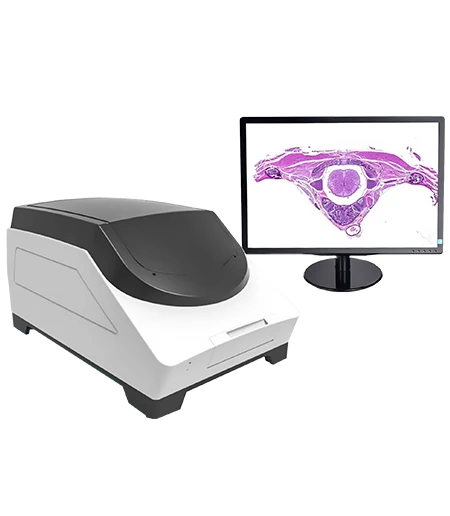
From slide loading to saved images
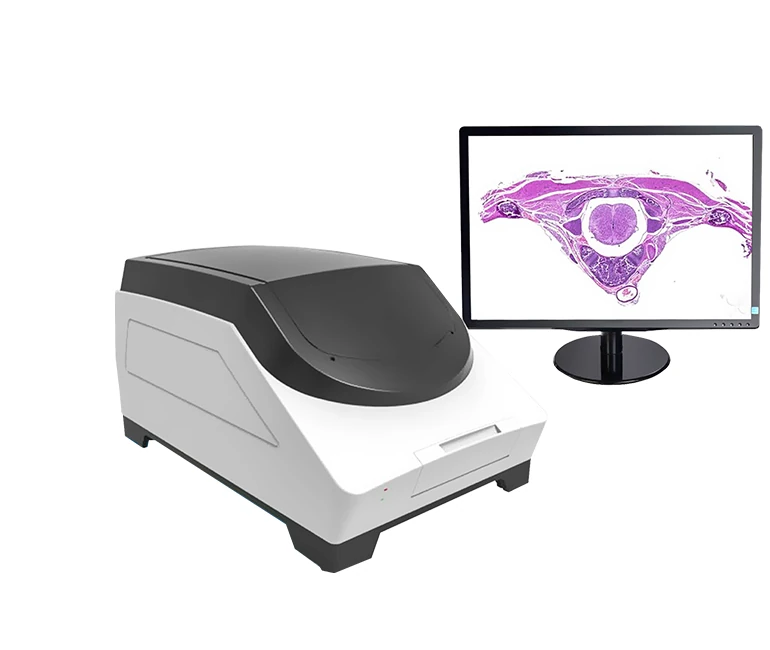
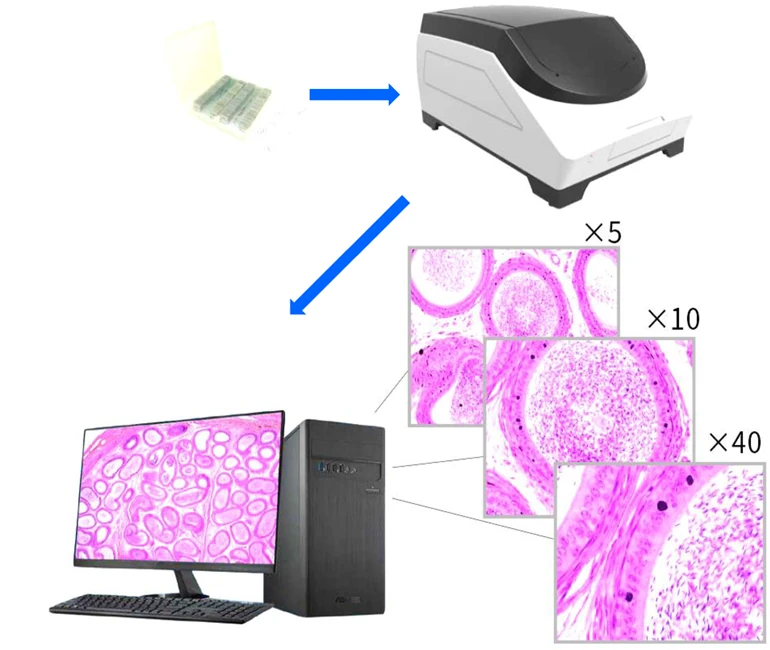
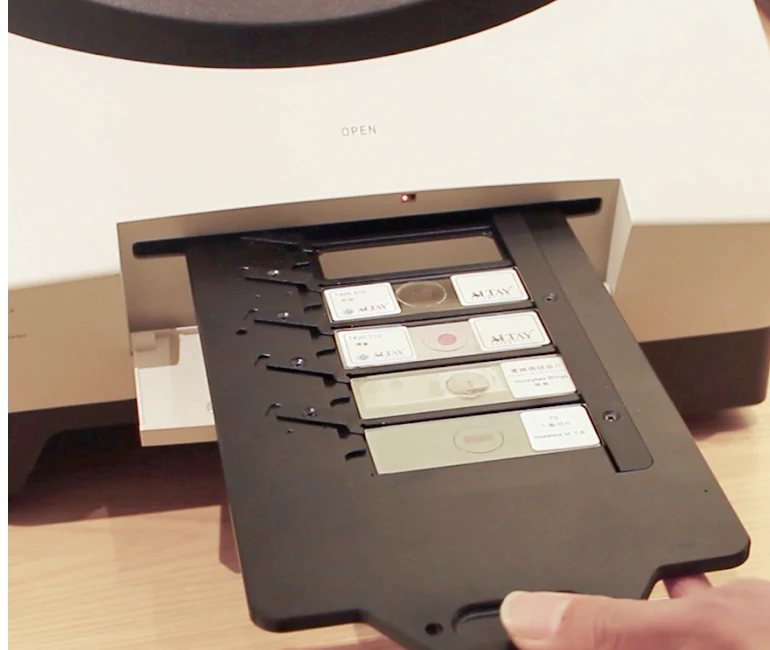
The published system description covers automatic slide loading, optical imaging, a scanning platform, a controller, and supporting software. A magnetic slide-carrier arrangement is described for loading and unloading. Ask how the carrier fits the slides you use and which handling steps remain the operator's responsibility.
Batch scanning settings can be customized and stored, including the scanning area, location, and magnification settings. Request a demonstration with a representative slide. Have the operator show how a scan area is chosen, how a stored setting is recalled, and how a completed image is reviewed. Confirm which settings are available with the actual optics being supplied.
The software description includes image storage and import, browsing, annotation, and marking. It also mentions forming a teaching demonstration atlas. If several people will use the images, discuss their viewing and annotation needs separately from the scanning task. Ask which functions, workstations, and licenses are included in the proposed package.
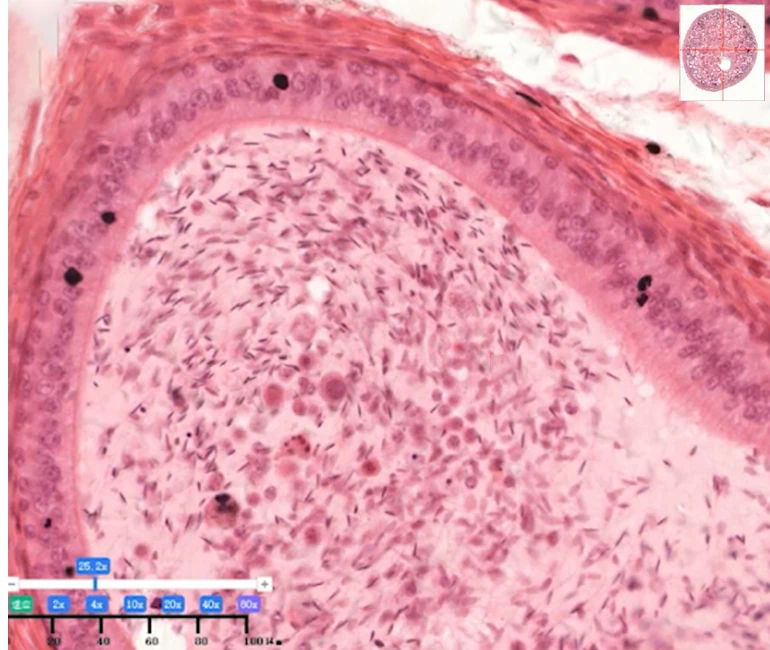

Published M30.1001 specifications
| Item | Published description |
|---|---|
| Listed capacity | Six slides |
| Focus | Automatic focus |
| Standard objective | 20x plan apochromatic |
| Objective NA | 0.75 |
| Stage drive | Closed-loop drive control described |
| Slide carrier | Magnetic carrier arrangement described |
| Batch settings | Scanning area, location, magnification settings |
| Image functions | Storage, import, browsing, annotation, marking |
| Listed formats | JPEG and TIFF; confirm any other required format |
The source mentions additional formats with inconsistent naming. Ask for the exact supported formats and representative export files instead of assuming an unverified format extension.
Define the slide and software requirements
Provide slide dimensions, preparation details, and the areas you intend to scan. Explain whether the images will be used for individual review, team discussion, archiving, or teaching. If an evaluation requires timing or image-quality measurements, agree on the samples, scan settings, and acceptance procedure in advance.
For storage, identify the destination workstation or network location and the viewer you already use. Ask for the file-export workflow, naming options, and any access requirements. A listed storage function does not establish the amount of storage supplied or compatibility with every external system.
Check the installation plan as well. Request instrument dimensions, power and connection requirements, and the room needed to load the carrier and work at the system. Ask OPTOEDU for the included computer, software, objectives, accessories, and documentation, together with current availability, price, and shipping terms for your destination.
Compare slide handling and image workflow
Browse the microscope slide scanner directory for other listed configurations. You can also review M30.5815 five-slide microscope slide scanner. Compare the supplied optics and software alongside the loading capacity so your shortlist reflects the whole imaging task.
M30.1001 questions
How many slides are listed for this model?
The published capacity is six slides. Confirm the supported slide dimensions and carrier arrangement for the configuration being quoted.
Which objective is identified as standard?
The source states a standard 20x plan apochromatic objective with NA 0.75. Ask for written confirmation of the included objective and discuss any additional magnification requirements separately.
Can the software support image annotation?
Annotation and marking are described, along with image storage, import, and browsing. Request the supplied software version and a demonstration of the functions your team needs before agreeing on the package.
Ask about M30.1001
Send your slide and image-management requirements. Request an M30.1001 configuration quote.
Reference: published M30.1001 product description.