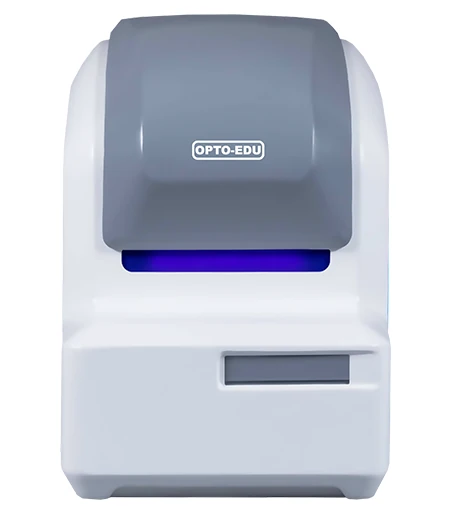
Review the slide-digitization arrangement
The product description discusses multi-magnification scanning and recognition of scanning contours. Ask which magnifications and scan-selection controls are available in the configuration being offered. Describe whether your task involves an entire specimen area, a selected region, or a repeated set of slides so the proposed workflow can be reviewed in practical terms.
The detail page identifies a plan-field apochromatic objective and an area-scan camera. The public text does not provide a full numerical specification for those components. Request the exact objective, camera, image sampling, and illumination details that your organization needs for equipment comparison.
Cloud-platform management and information technology are mentioned in the published workflow. Keep that description separate from the scanner's physical components. Ask which software and services are included, where images are stored, and what connections are needed. If your team uses an existing viewer or data system, provide its requirements instead of assuming that a general platform reference establishes compatibility.
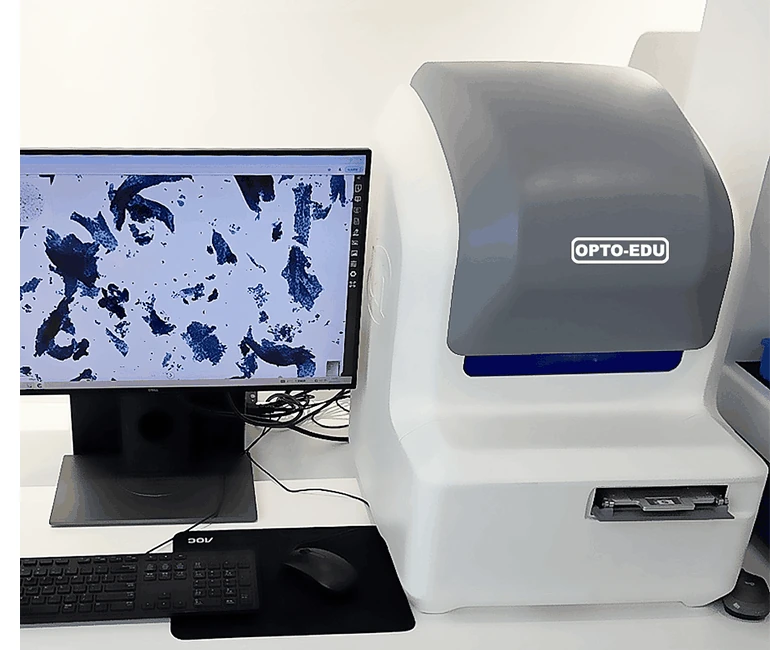
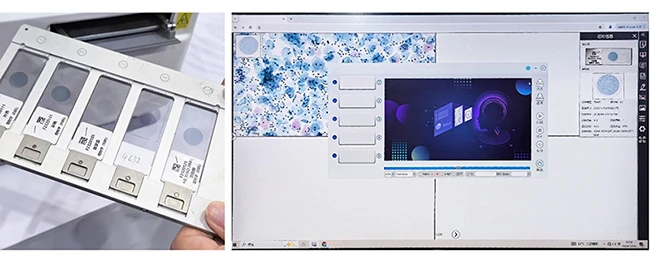
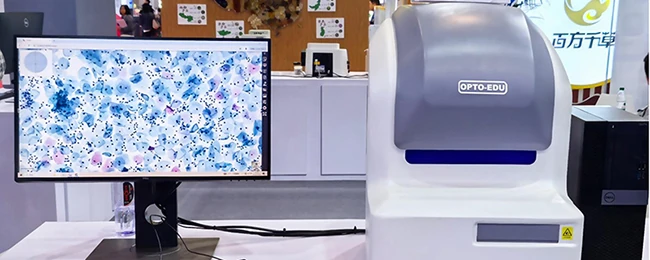
Published M30.5815 configuration
| Item | Published description |
|---|---|
| Equipment type | Automatic microscope slide scanner |
| Listed capacity | Five slides |
| Objective description | Plan-field apochromatic objective |
| Camera type | Area-scan camera |
| Scanning workflow | Multi-magnification scanning described |
| Scan-area handling | Scanning-contour recognition described |
| Data workflow | Cloud-platform management mentioned; confirm scope |
The capacity comes from this model's catalogue listing. Confirm the supplied slide holder, objective, software, and numerical specifications with the quotation.
Define the slide and image requirements
Provide your slide dimensions, specimen preparation, and expected workload. Explain whether slides arrive as individual requests or in small groups, and how staff will load, identify, and review them. Ask how the selected holder and scan workflow fit that process.
Describe the image records you need to retain and the software your team uses for viewing. Request the output formats, storage requirements, and any proposed network or cloud components in writing. Ask whether those components are included in the equipment price or form a separate scope.
If the scanner will be used within a controlled laboratory process, supply the documentation and acceptance requirements for that process. Product images and general use descriptions do not establish approval for a particular diagnostic procedure. Request current availability, commercial terms, and delivery information for the agreed configuration and destination.
Compare slide capacities separately
Browse the microscope slide scanner directory for the individual listings. For a compact model with a different stated capacity, see M30.5832 two-slide scanner. Compare the optics, outputs, software, and handling arrangements on each model's own page, rather than choosing by capacity alone.
M30.5815 questions
How many slides are listed for this model?
The product catalogue identifies M30.5815 as a five-slide scanner. Ask for the slide-holder specification and loading arrangement in the offered version. Do not transfer capacities from other M30 models to this listing.
Are all scanning magnifications specified here?
The public description mentions multi-magnification scanning without giving a complete numerical set. Request the selected objective and available scanning settings, then review them against the images your task requires.
Does the platform reference include a cloud subscription?
The source mentions a cloud-management workflow, but the commercial and technical scope needs to be specified. Ask which software, storage, connections, and ongoing services are included before comparing proposals.
Ask about M30.5815
Send the slide and record-handling requirements for your laboratory. Request an M30.5815 quote.
Reference: published M30.5815 product description.