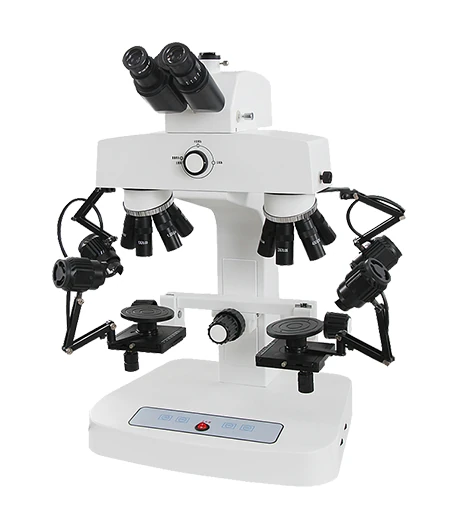
Choose illumination around the object
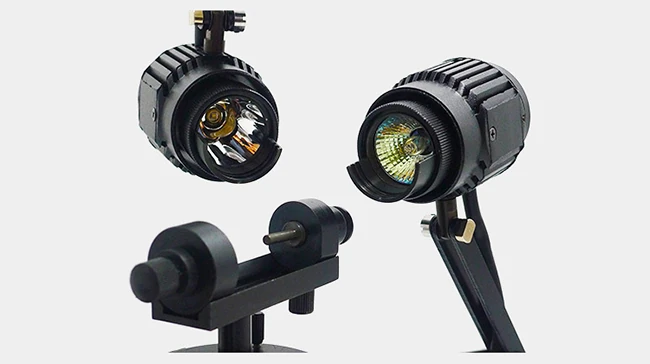
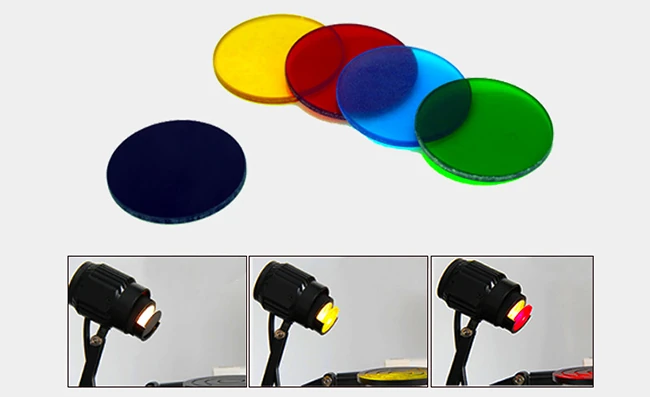
The page lists a 5W LED source and a fan-cooled 12V, 50W halogen source. It also describes a coaxial-light attachment, a polarizing-lens set, and ultraviolet lenses and filters. Ask which are included with the quoted microscope and which are separate accessories.
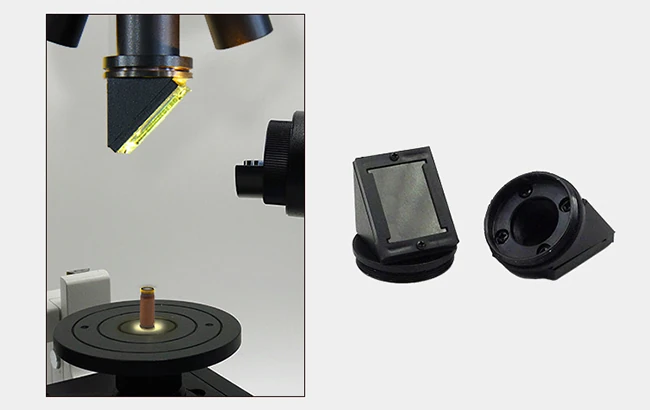
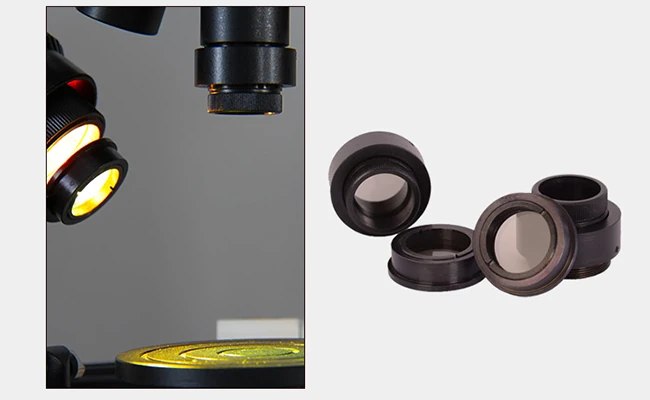
The coaxial attachment is described with a vertical light path for viewing toward the bottom of a recess. If this is important to your task, provide the object dimensions and the opening geometry so the lighting and clearance can be discussed together. For polarizing or ultraviolet observation, request the available lens and filter information.
For direct viewing, the description lists a large binocular head with WF10x/22mm high-eyepoint eyepieces and adjustable diopters on both tubes. Include operator requirements in the inquiry alongside the sample information.
Published model information
| Item | Published information |
|---|---|
| Model | A18.1828 |
| Directory designation | Comparison Microscope, 2x–240x |
| Eyepieces | WF10x/22mm, high eyepoint |
| Eyepiece-tube diopters | Both adjustable, ±5 |
| LED source | 5W |
| Halogen source | 12V, 50W; fan cooling |
| Other lighting components described | Coaxial attachment; polarizing-lens set; ultraviolet lenses and filters |
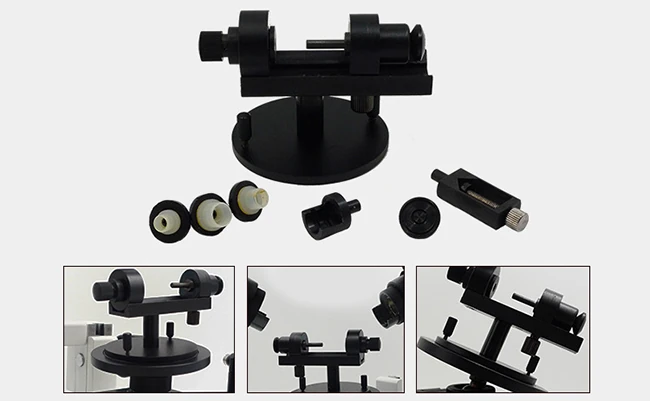
| Positioning accessories | Holder set described |
Ask for the current objective, magnification, working-distance, and accessory specifications for the configuration being offered.
Start with the surface and the available space
Tell OPTOEDU what the object is made from, how large it is, and which features need to remain visible. A polished surface, a recess, or a curved object raises different setup questions. Include non-confidential photographs or dimensions if they help explain the part.
Next, describe how the object can be supported on each stage. Ask which holder is appropriate, what clearance is available, and which adjustment is needed to bring the two views into the working position. The published holder set is a starting point for that discussion, rather than a substitute for checking the fit.
If you also need digital records, specify that separately. Request the compatible camera connection, camera, software, and display configuration in the offer. Keep optical and digital items distinct when comparing quotes, and include quantity and delivery destination for the commercial terms.
Compare the display configuration
Browse the A18 equipment directory for all model pages. The A18.1828-LCD listing describes an LCD comparison model. Review the camera and screen items separately when deciding which viewing arrangement fits your work.
A18.1828 questions
Which illumination components are described?
The model page identifies LED, halogen, coaxial, polarizing, and ultraviolet components. Ask for an itemized lighting list and any available filters, then identify the arrangements your task actually needs.
Is a camera or display included?
The reviewed A18.1828 text focuses on the microscope and lighting components. If image capture or a screen is required, ask for the camera connection and all digital accessories to be named in the quotation.
What should I confirm about the optical range?
The directory designation lists 2x–240x. Request the current objectives, eyepieces, and magnification combinations together with the working distance and field of view. This helps match the optical setup to the actual object.
Request the current A18.1828 configuration
Send the model number, application requirements, and the components you need to include. Ask OPTOEDU for a configuration quote.
Reference: published A18.1828 product description.